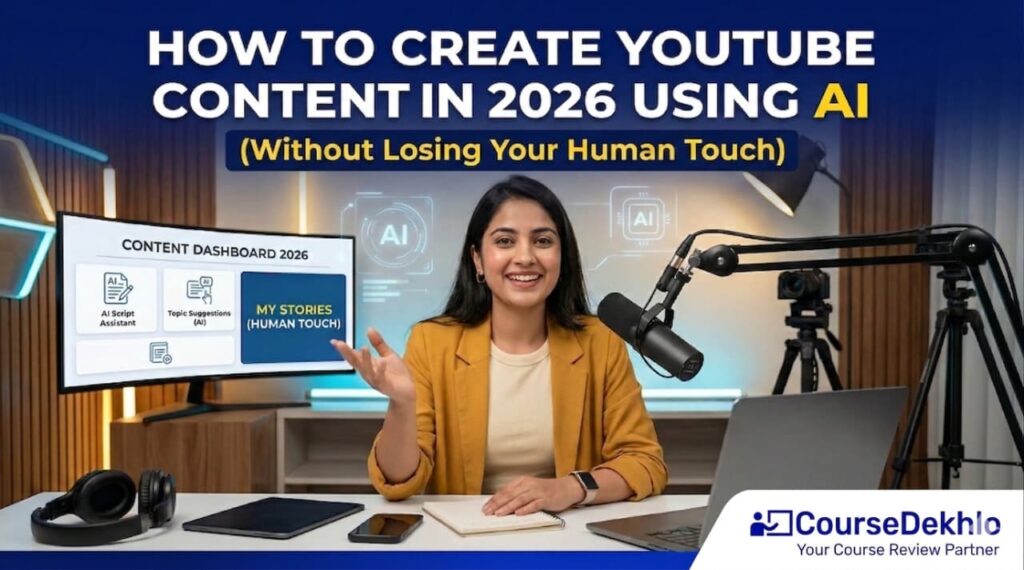
Let’s be honest for a second: How to Create YouTube Content Using AI
In 2026, almost everyone wants to start a YouTube channel. But the real problem is not starting — it’s consistency, ideas, and time.
That’s where AI comes in.
But here’s the catch…
If you rely too much on AI, your content starts feeling robotic, boring, and forgettable.
So the real question is:
👉 How do you use AI to grow faster… without losing your originality?
Let’s break it down in a simple, practical way.
Why AI is Changing YouTube Content Creation 🚀
Today, creators are not just using AI for fun—they’re using it to:
- Generate video ideas
- Write scripts faster
- Edit videos in minutes
- Analyze performance
AI has basically become your assistant.
But remember this:
AI can help you create content.
It cannot replace your personality.
And on YouTube, personality = growth.
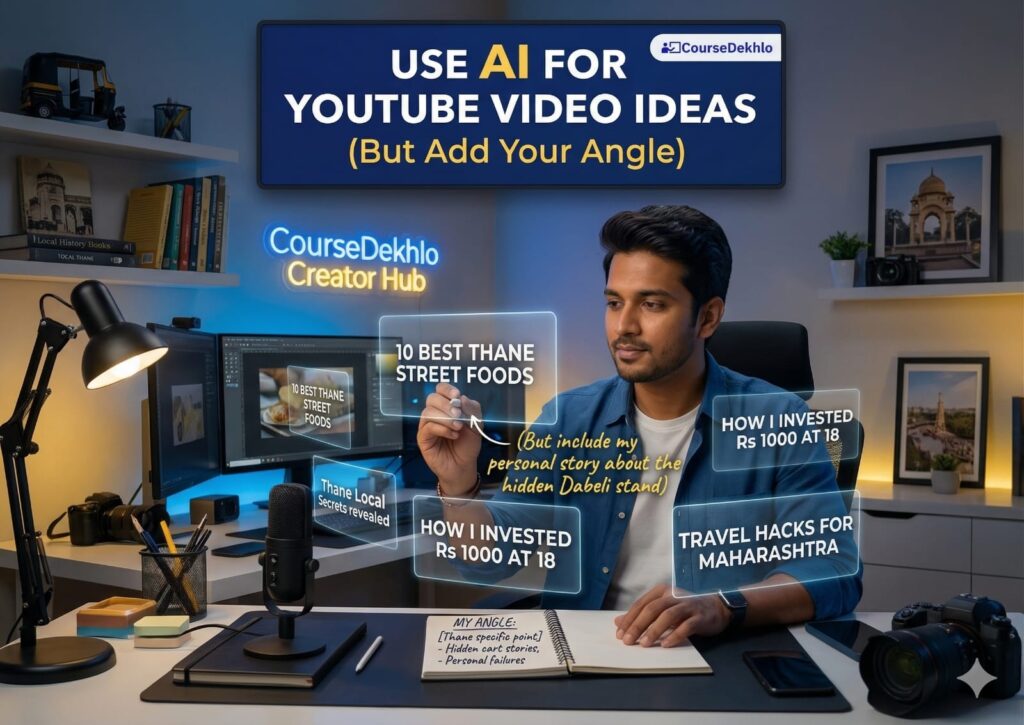
Step 1: Use AI for YouTube Video Ideas (But Add Your Angle) 🧠
One of the biggest struggles is:
👉 “What should I post?”
AI tools can give you the following:
- Trending topics
- Viral ideas
- Keyword-based suggestions
But here’s where most people go wrong…
They copy-paste ideas.
❌ That leads to generic content
✅ Instead, do this:
- Take AI idea
- Add your experience
- Add your opinion
- Add your story
👉 Example:
AI says, “How to earn money online.”
You say:
👉 “How I tried 5 ways to earn money online (and what actually worked)”
That’s the difference.
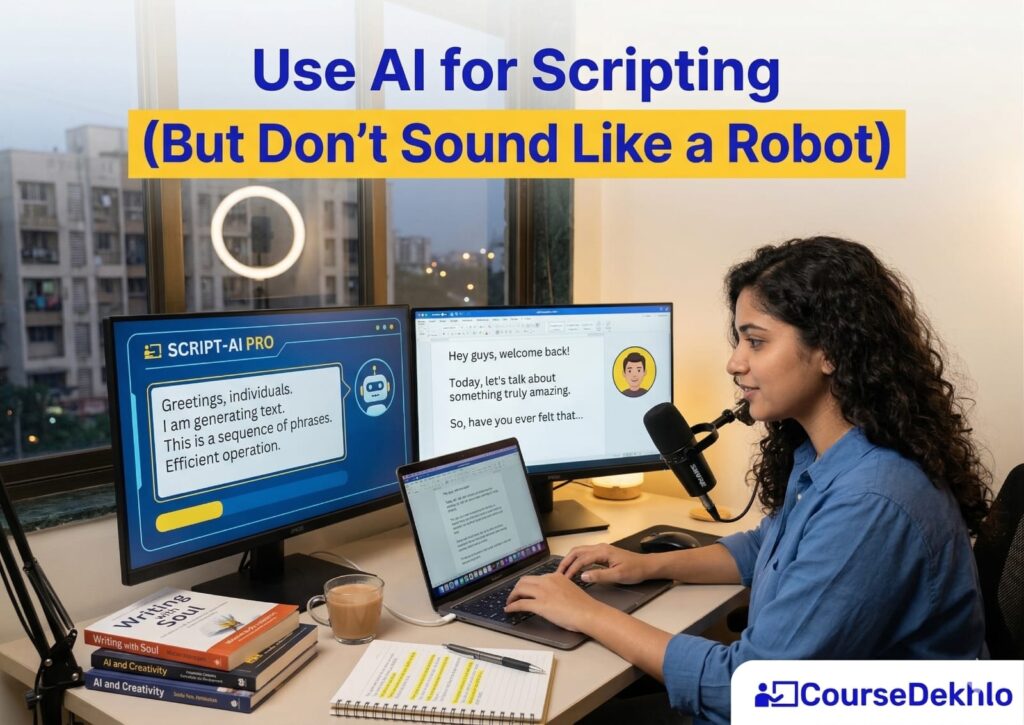
Step 2: Use AI for Scripting (But Don’t Sound Like a Robot) ✍️
Yes, AI can write scripts.
But if you read them directly…
👉 Your video will sound like a school lecture. 😅
Here’s a better approach:
- Use AI to create a rough script
- Rewrite it in your own words
- Add casual language
- Add pauses, emotions, reactions
👉 Think like this:
You’re not giving a speech…
You’re talking to one person
That’s what keeps viewers watching.
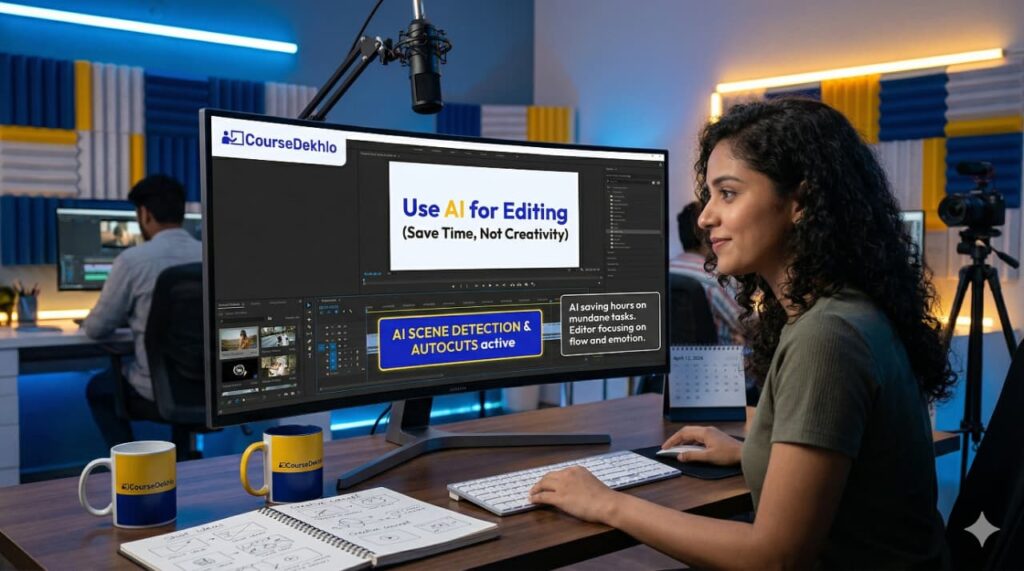
Step 3: Use AI for Editing (Save Time, Not Creativity) 🎥
Editing used to take hours.
Now AI tools can:
- Cut silences
- Add captions
- Suggest transitions
This saves a lot of time.
But don’t overdo it.
Too many effects = distracting content
👉 Keep it simple:
- Clean cuts
- Clear audio
- Easy-to-read captions
Because at the end:
People stay for content, not effects.
Step 4: Use AI for Thumbnails & Titles (But Keep Curiosity Human) 🎯
AI tools can help generate the following:
- Thumbnail ideas
- Title variations
- Click-worthy hooks
But here’s the truth:
👉 Humans click based on emotion, curiosity, and relatability
So always ask:
- Would I click this?
- Does it create curiosity?
- Is it clear?

Step 5: Add Your Human Touch (This is the Real Game) ❤️
This is where most creators fail.
They use AI for everything… and lose their identity.
But successful creators do this:
- Share personal stories
- Show real struggles
- Speak naturally
- Be imperfect
👉 Because people don’t connect with perfect content
They connect with real people

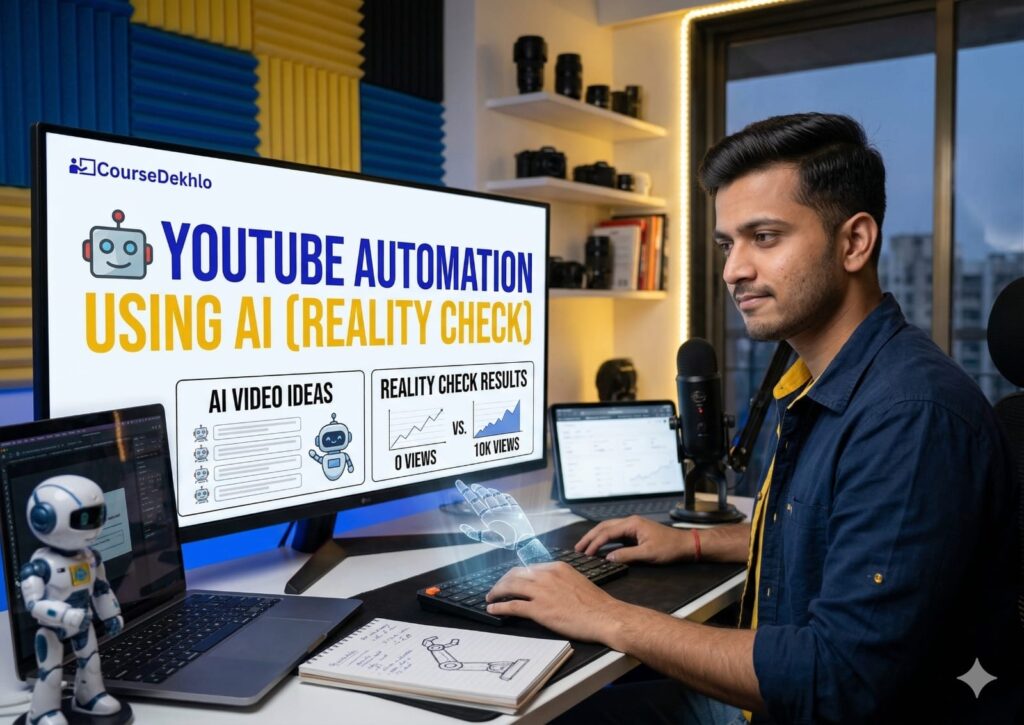
YouTube Automation Using AI (Reality Check) 🤖
Now let’s talk about something trending:
👉 YouTube Automation using AI
This means:
- Faceless channels
- AI voiceovers
- Fully automated content
Sounds easy, right?
But here’s the reality: How to Create YouTube Content Using AI. 👇
| ✅Pros: | ❌ Cons: |
| No need to show face | Low trust |
| Faster content creation | It’s hard to build personal brand |
| Scalable | High competition |
| Risk of repetitive content |
Honest Truth: ⚠️
YouTube is slowly moving towards the following:
👉 Authenticity over automation
That means:
- Real creators win long-term
- Automated channels struggle to build loyal audience
Smart Strategy: How to Create YouTube Content Using AI 🧠
Instead of full automation, do this:
👉 Use AI as a tool, not a replacement
- AI for research
- AI for editing
- YOU for storytelling
That’s the winning combination.
Final Thoughts 📈
Creating YouTube content in 2026 is easier than ever…
But also more competitive than ever.
AI gives you speed.
But your human touch gives you growth.
So don’t try to become perfect.
👉 Focus on being real, consistent, and helpful.
Because at the end of the day,
AI can help you create content…
But only YOU can make people care.
Quick Recap: How to Create YouTube Content Using AI 🔥
- Use AI for ideas, not copy-paste
- Use AI for scripts, but rewrite naturally
- Use AI for editing, but keep it simple
- Avoid full automation — build a real connection
If you’re serious about YouTube, start today.
Because the best time to grow your channel…
👉 is before everyone else figures this out.
Frequently Asked Questions (FAQs)
How to Create YouTube Content Using AI
Use AI for ideas, not copy-paste
Use AI for scripts, but rewrite naturally
Use AI for editing, but keep it simple
Avoid full automation — build a real connection
How to create youtube videos using ai for free
You can create YouTube videos using AI for free by using tools for different steps. Use AI tools like ChatGPT for video ideas and scripts, free design tools for thumbnails, and basic editing apps with AI features for cutting and captions. Combine these tools with your own voice, ideas, or storytelling to keep the content natural and engaging.
Can I use AI to create YouTube content?
Yes, you can use AI to create YouTube content. It helps with ideas, scripts, editing, and research. However, for better results, you should add your own voice, experience, and personality to keep the content authentic and engaging.
Can I make money from AI content on YouTube?
Yes, you can make money from AI content on YouTube. However, earnings depend on content quality, originality, and consistency. AI can help with ideas, scripts, and editing, but you still need a human touch to build trust, engage viewers, and grow your channel long-term.
Best AI video generator for YouTube
The best AI video generators in 2026 include tools like Seedance, Runway, Kling AI, and Veo 3, which create high-quality videos from text or images. They help with B-roll, editing, and even full video creation.
How to create faceless youtube videos using ai
Generate a script with AI (topic + outline).
Convert the script into voiceover using AI text-to-speech.
Use stock footage, AI-generated visuals, or screen recordings.
Edit everything with AI video editors (auto cuts, captions).
Add music, subtitles, and a simple thumbnail.
✅ Drop your thoughts in the comments below — your experience could help thousands of other learners make smarter choices.
Let’s build a smarter learning community together.